2026-01-21 | Doug
Ever wanted to make bulk changes to your workout data? Maybe rename all your laps, set power targets for intervals, or fix a sensor glitch across hundreds of records?
Now you can. FitEdit 6.0 adds an Automation tab where you can write and run C# code to edit your FIT files.
How to use it
Your script has access to these variables:
FitFile fit- the loaded FIT fileList<RecordMesg> records- all record messagesList<LapMesg> laps- all lap messagesAction<string> Log- callLog("message")to output text
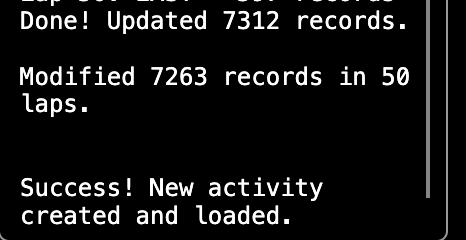
The script outputs panel on the right shows your log messages and any errors.
Example
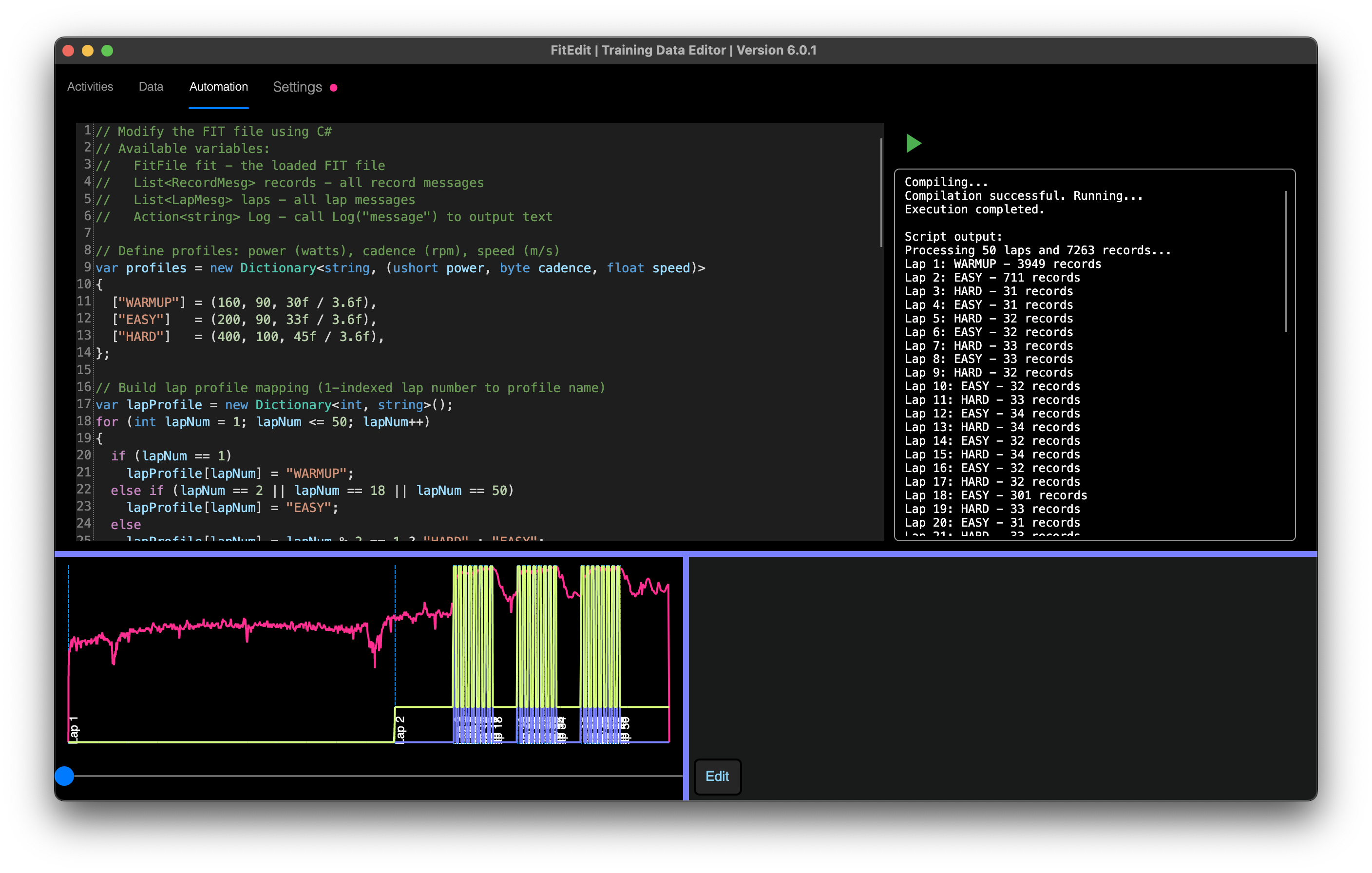
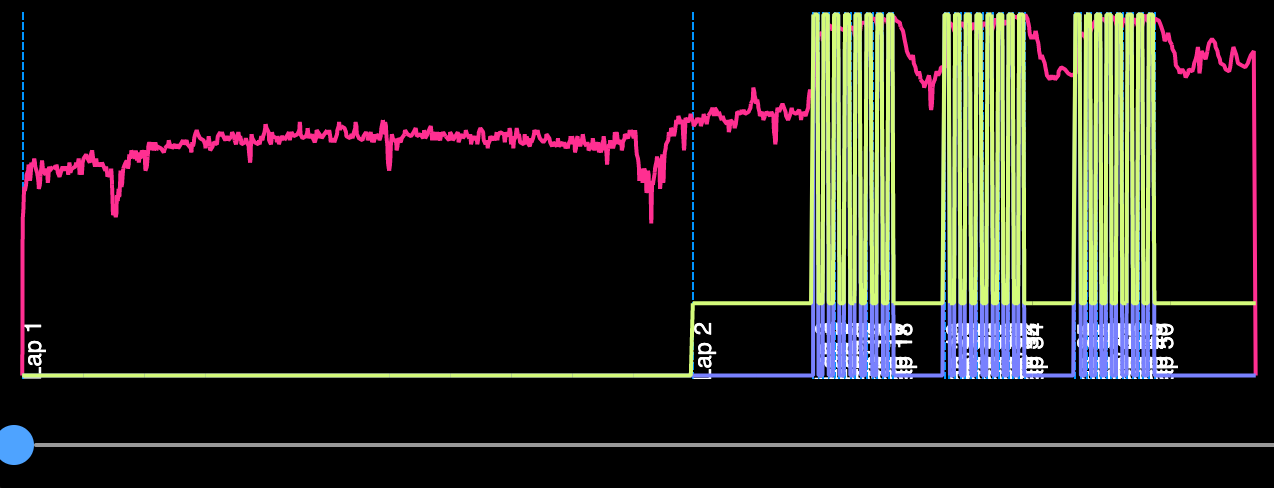
The screenshot shows a script that sets power, cadence, and speed values for each lap based on whether it's a warmup, easy, or hard interval. It processes 50 laps and 7263 records in about a second.
You can do anything C# can do. Loop through records, filter by timestamp, calculate averages, set field values.
For detailed instructions, see below.
Let me know what you automate.
Cheers,
Doug
Detailed Instructions
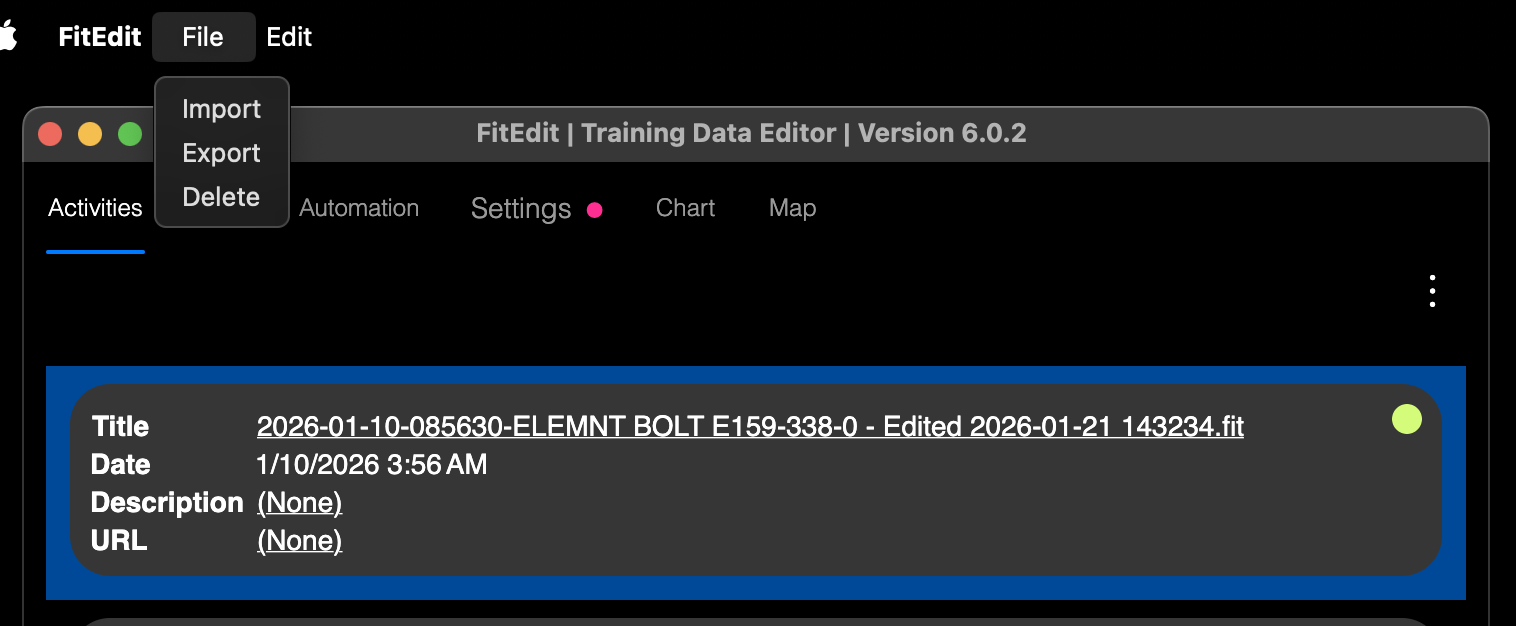
1. File > Import

2. In the file dialog, pick the FIT file to edit

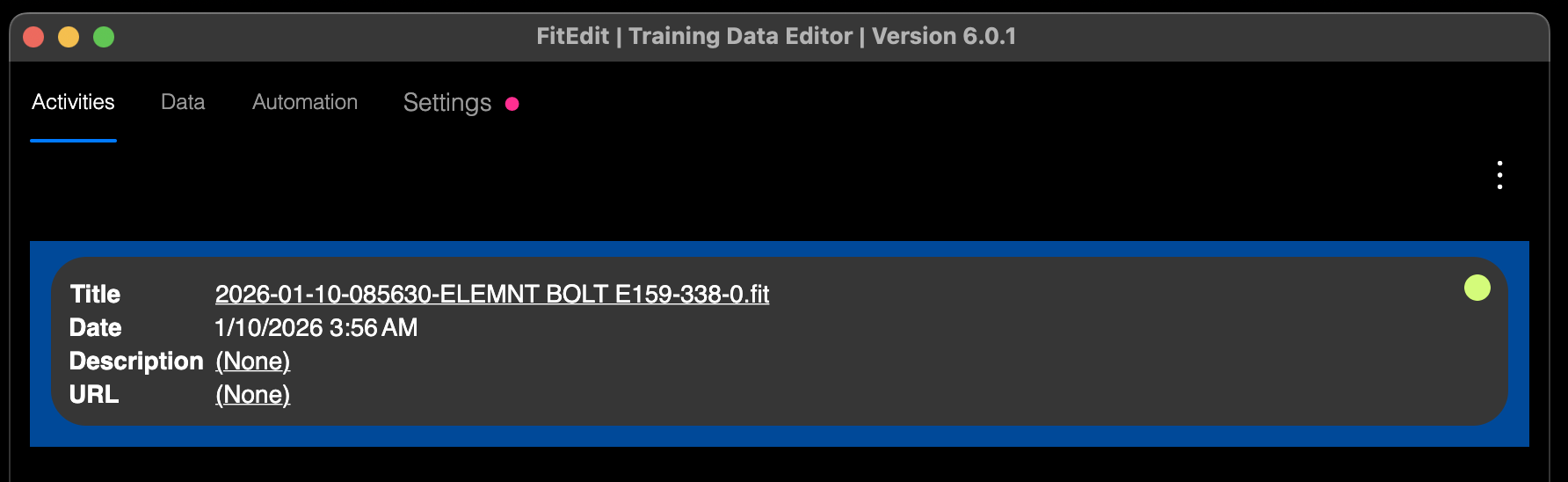
3. Select the activity. Click Edit > Load or double-click the activity to load it
4. Go to the Automation tab

5. Add your code to the editor and click the Run button (green arrow)
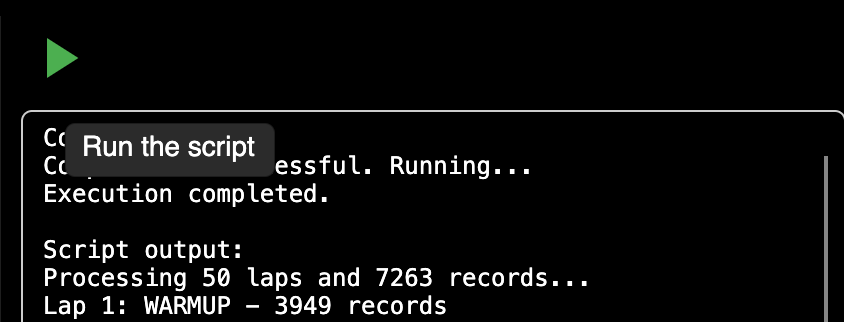
6. On success, a new activity is loaded. Review the log, chart, map, and data tab.
7. File > Export and upload to Garmin Connect, Strava, etc.